Effects Trainer

Having a hard time learning effects on Eos? I've made a Capture Presenter file that lets you visualize different kinds of effects in a new way: spatially, instead of with light.
How it works
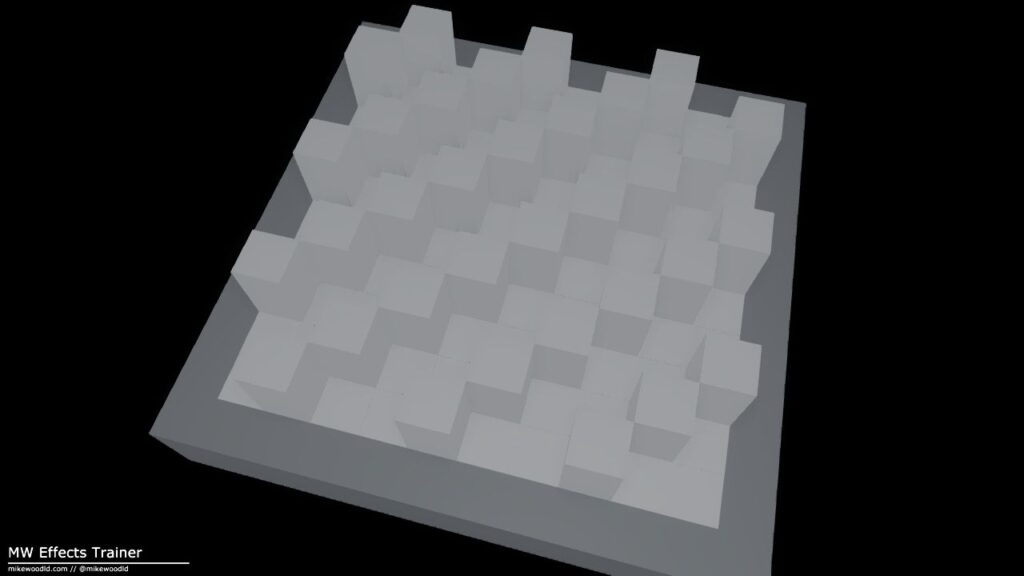
The file is dead simple: there are 100 cubes. You control their heights by controlling sACN addresses 1/1 through 1/100.
Use it to visualize different effect shapes, groupings, trails, and more.
Want to take it a step further? Patch 100 generic RGB LEDs and you can control the color of the cubes too. Helpful for getting your head around color effects.
See it run
With color
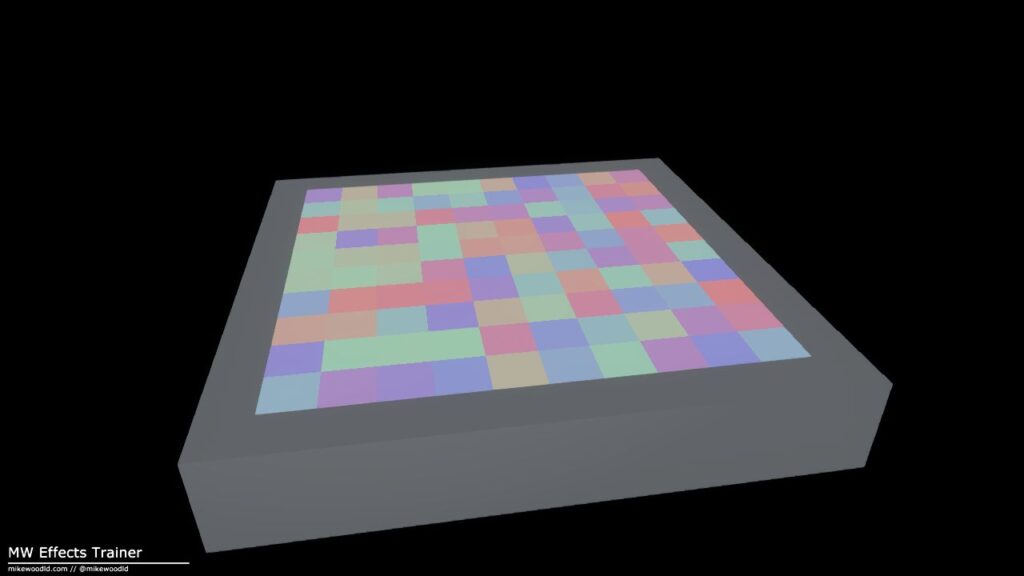
Patch 100 generic RGB LEDs alongside the heights and the cubes take color. Run a chase, a gradient, a rainbow effect, anything that benefits from seeing the spatial pattern in addition to the timing.
The bundle
- Capture Presenter file No Capture license needed — just open and run. Listens for sACN out of the box.
- Patch sheet DMX address layout for the 100 height channels and the optional RGB LEDs.
- Eos show file A simple starting show file with the two groups of fixtures already patched.
Downloads
The whole bundle lives in one Dropbox folder. It is free, with no signup and no email gate.
Looking for a full show file with built-out scenery and lights? See Previs Playground — the bigger sibling to this one.