Previs Playground
A free, fully-featured set of Capture Presenter files to hone your skills and play with light.
The scenery is built out and the plot, patch and paperwork are all real, so you can drop in any console and go.
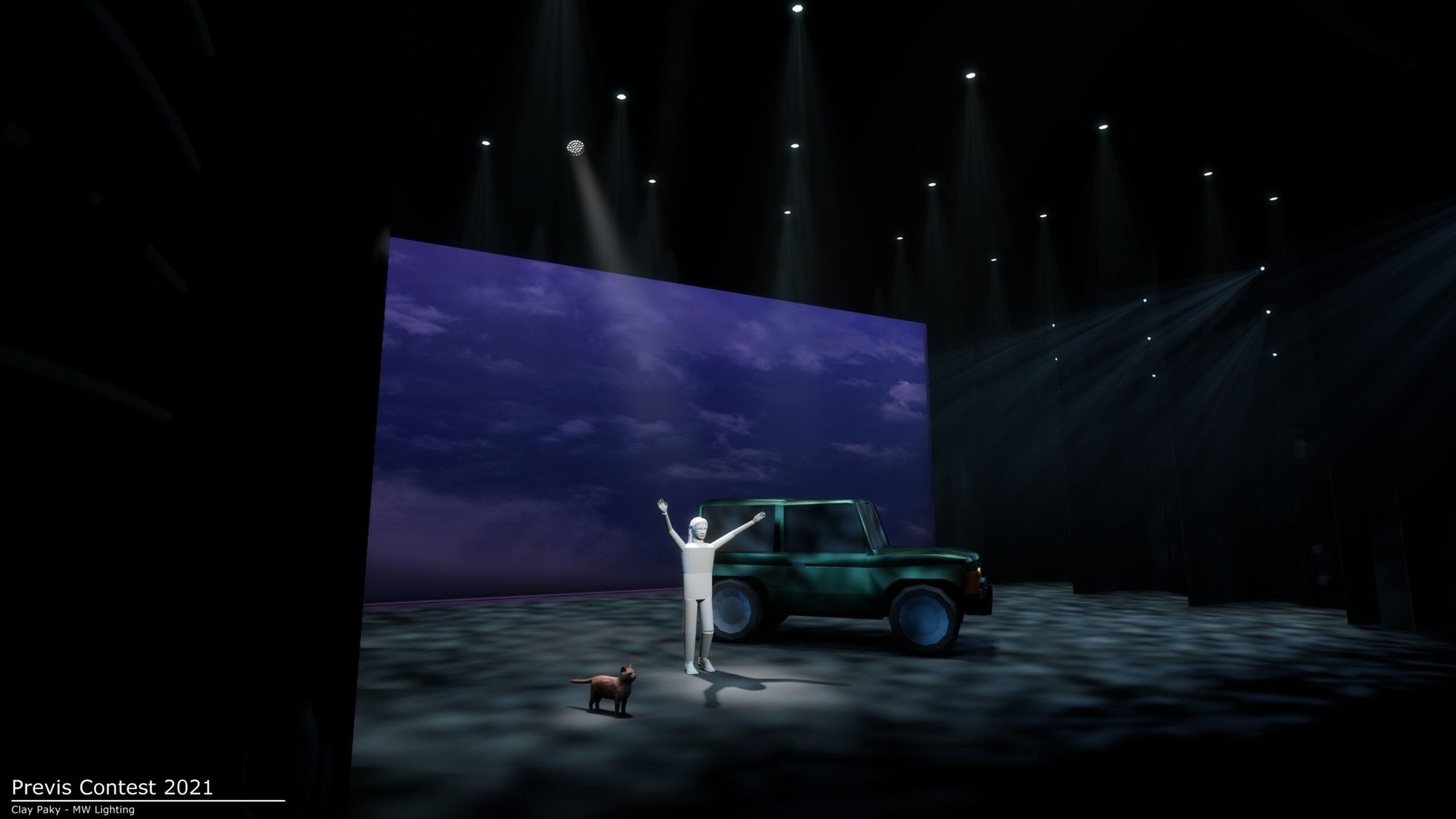
-
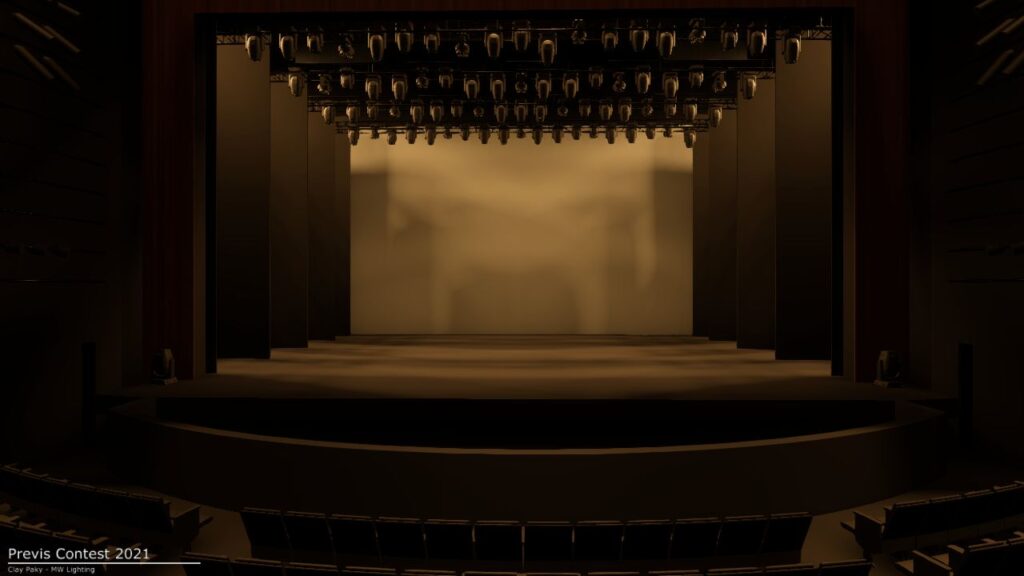
Full rig with electrics flown out. -
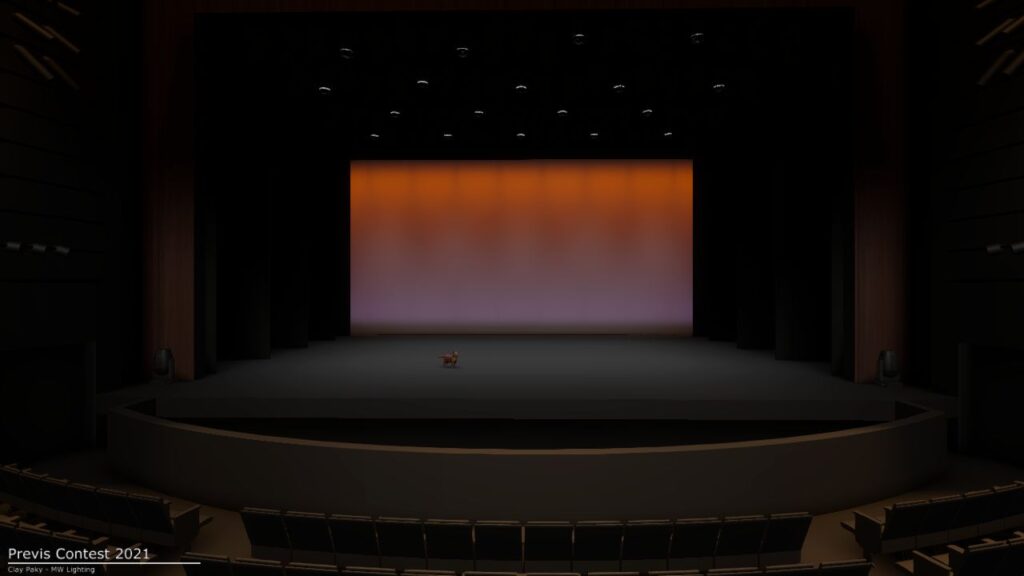
2021 Clay Paky contest scene, Dwight the cat makes an appearance.
The bundle
- Capture Presenter file Mac and Windows builds. You don't need a Capture license; Presenter is the free runtime. Just open it and it'll start listening for sACN.
- Lightwright file Fully-fixtured Lightwright file matching the rig. Pull notes, generate paperwork, mess with it however you want.
- Custom-fixtures profile (.esf3d) A custom-fixture file that drives the camera, scenic motors, the deck-lift system, and all the other DMX objects in the show. Drop it on any Eos console and you're ready.
- Five lighting plots Overhead, FOH, boom & ladder, deck US, and a section drawing, exported as PDF.
- Paperwork Channel hookup, cheat sheet, instrument schedule, DMX address hookup and DMX Object patch info, the same paperwork you would run tech from.
- Scenic reference renders JPEGs of every scenic piece in the file: drops, portals, props, the deck, the electrics. Scroll through before you start patching so you know what you're working with.
- Quick Start Guide Six-page PDF. Open the file, connect to a console, patch, render. Read it first if you've never used Capture before.
The stage
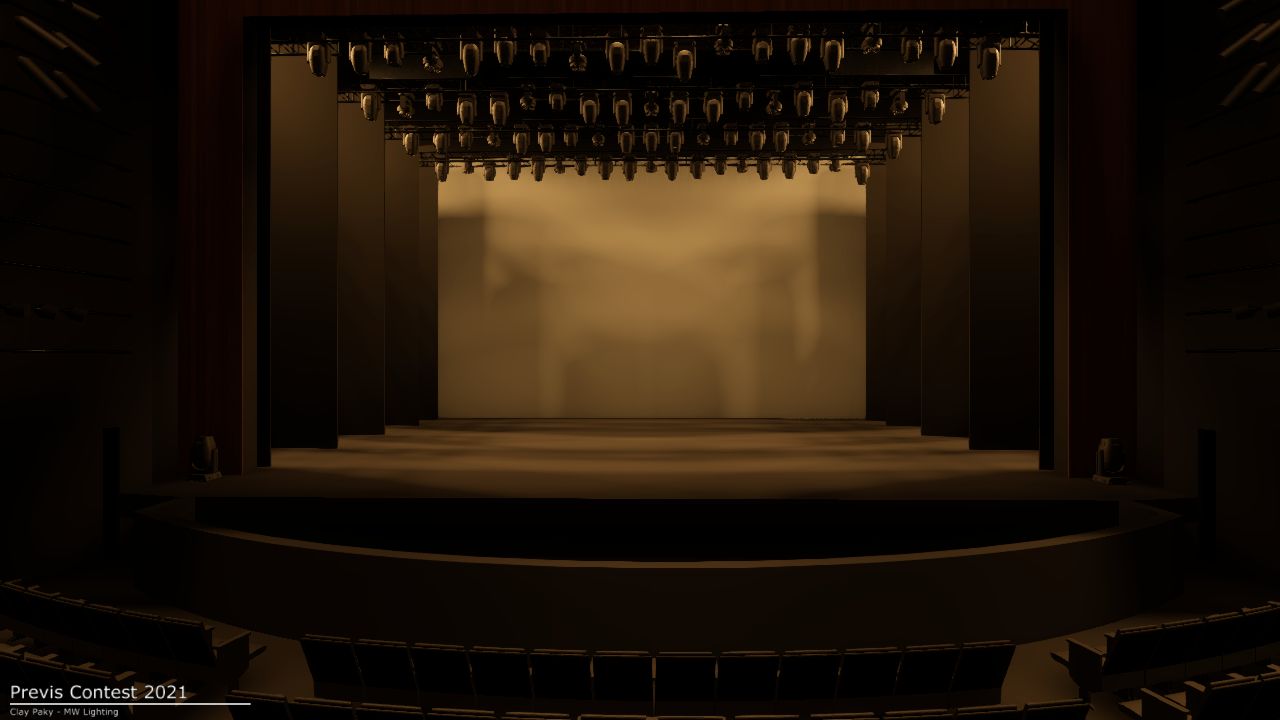
Just a few of the looks you can build out of the file. There's more inside.
-
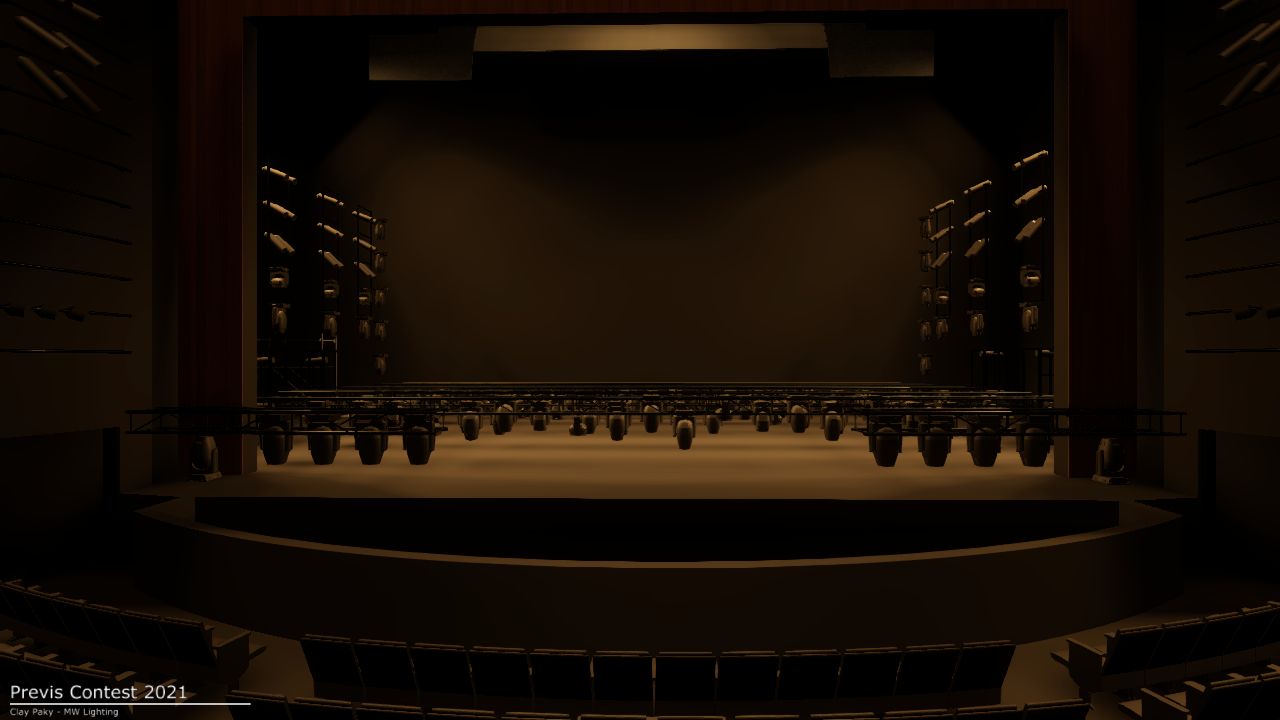
Electrics flown in, full rig at trim -
Electrics flown out, bare stage -
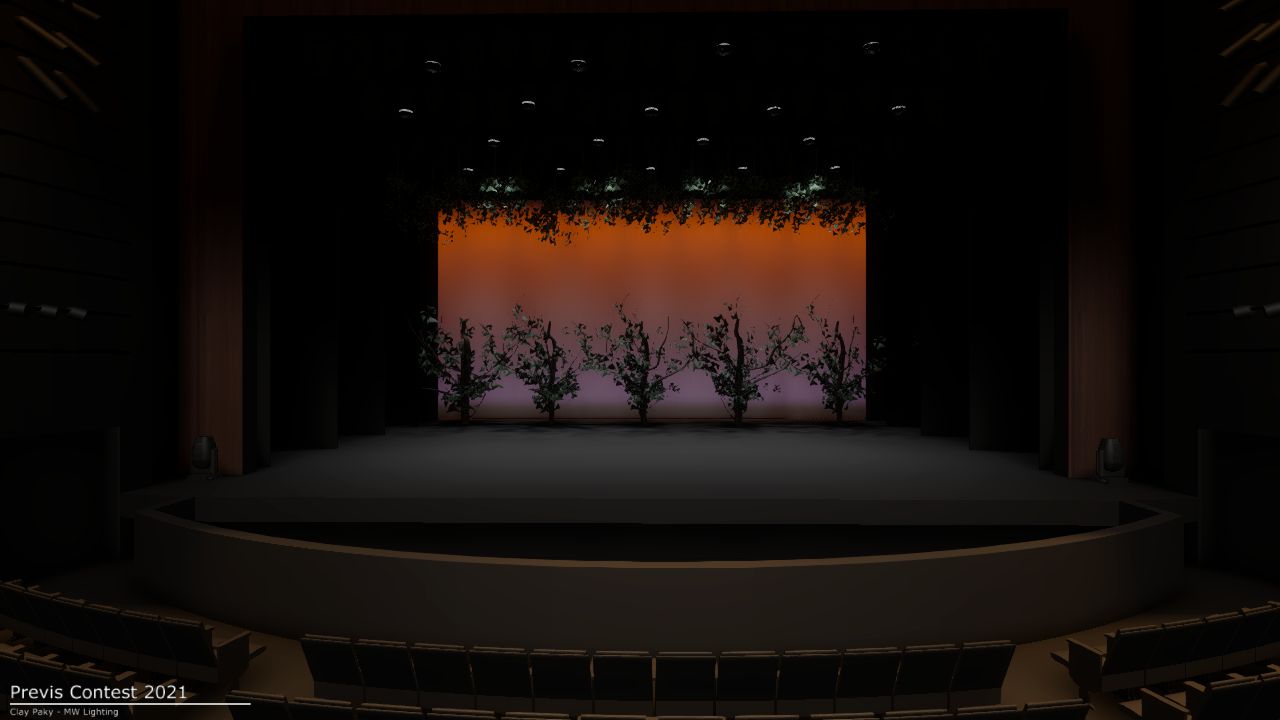
Trees, ground row, and a leaf canopy -
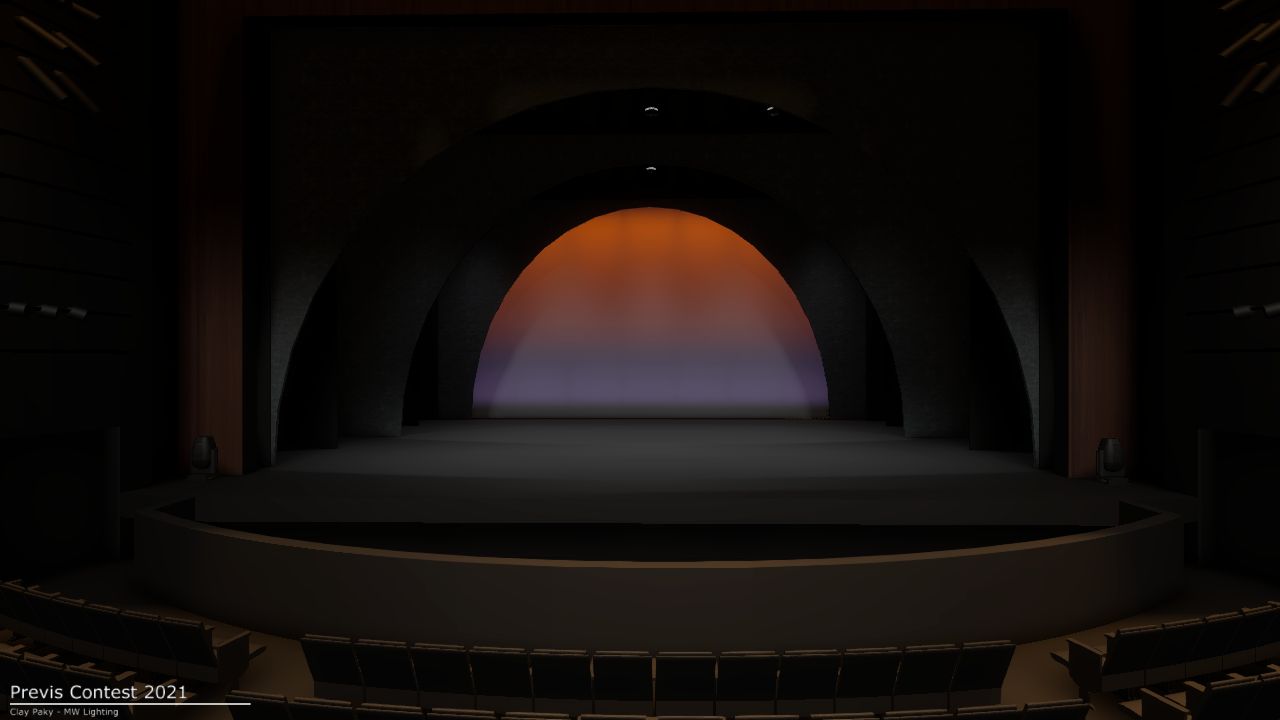
Show portals -
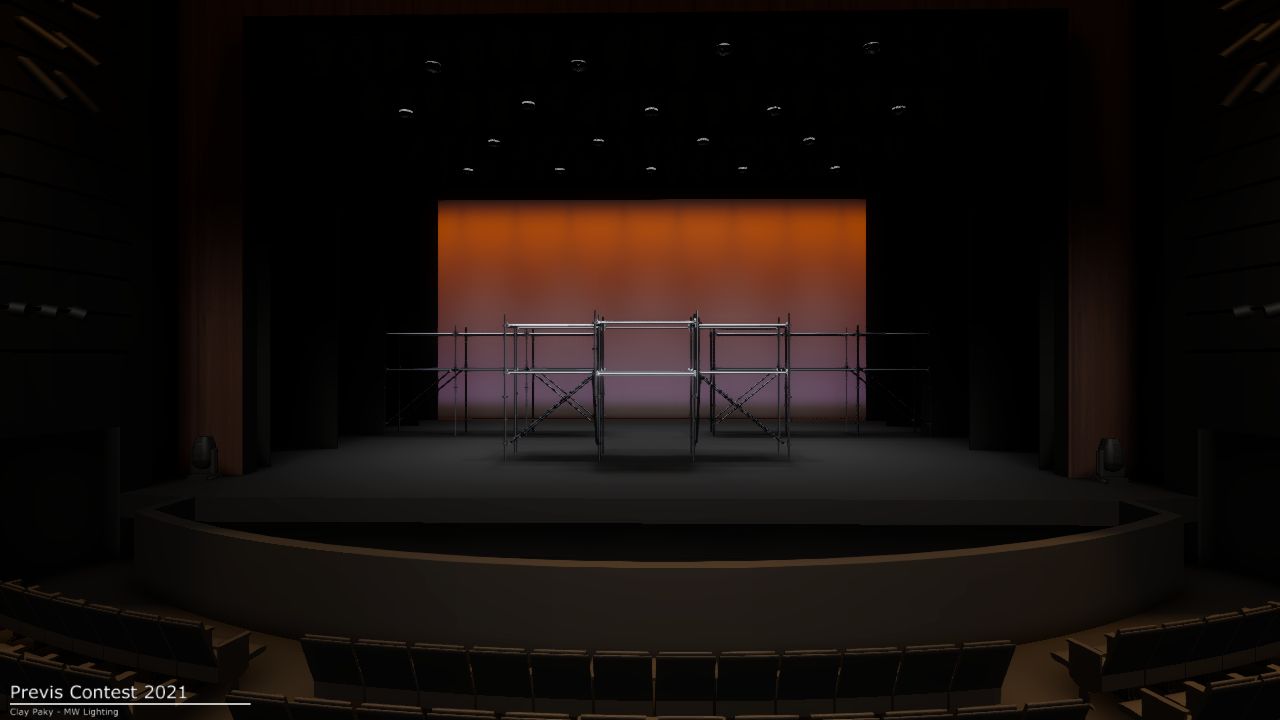
Scaffolding scenic units -
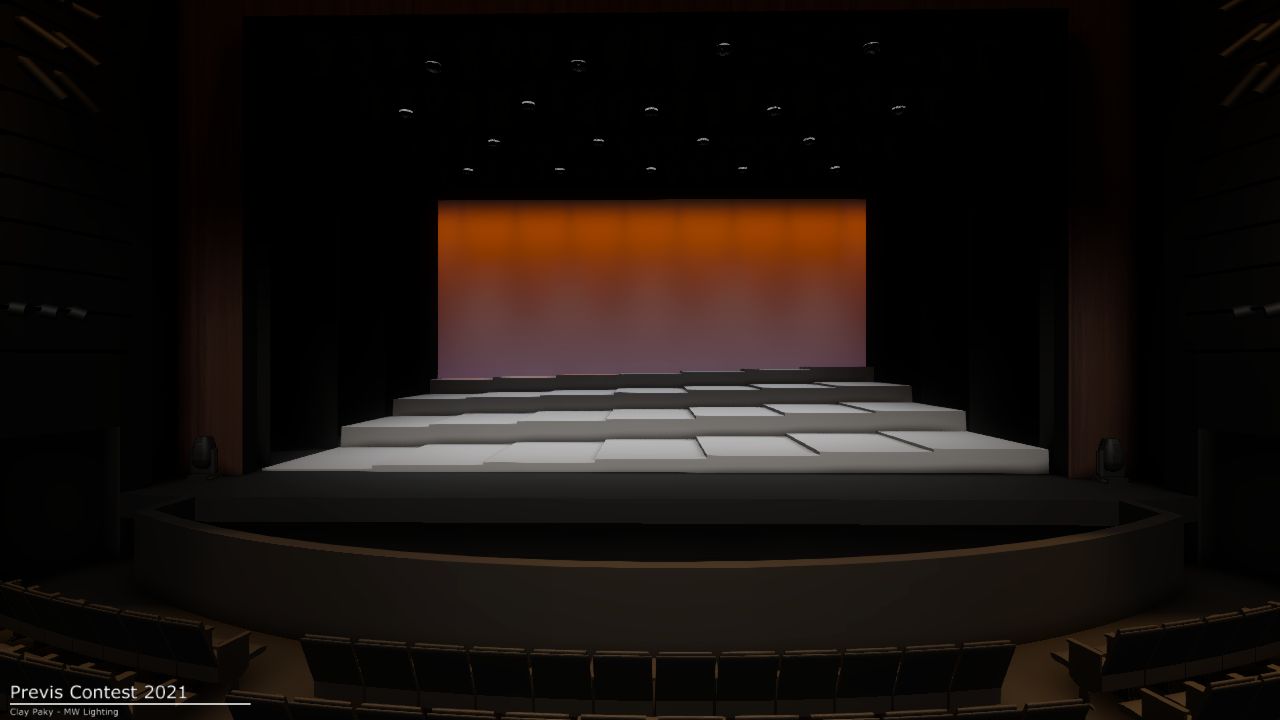
28-section deck lift system, 12' of vertical travel -
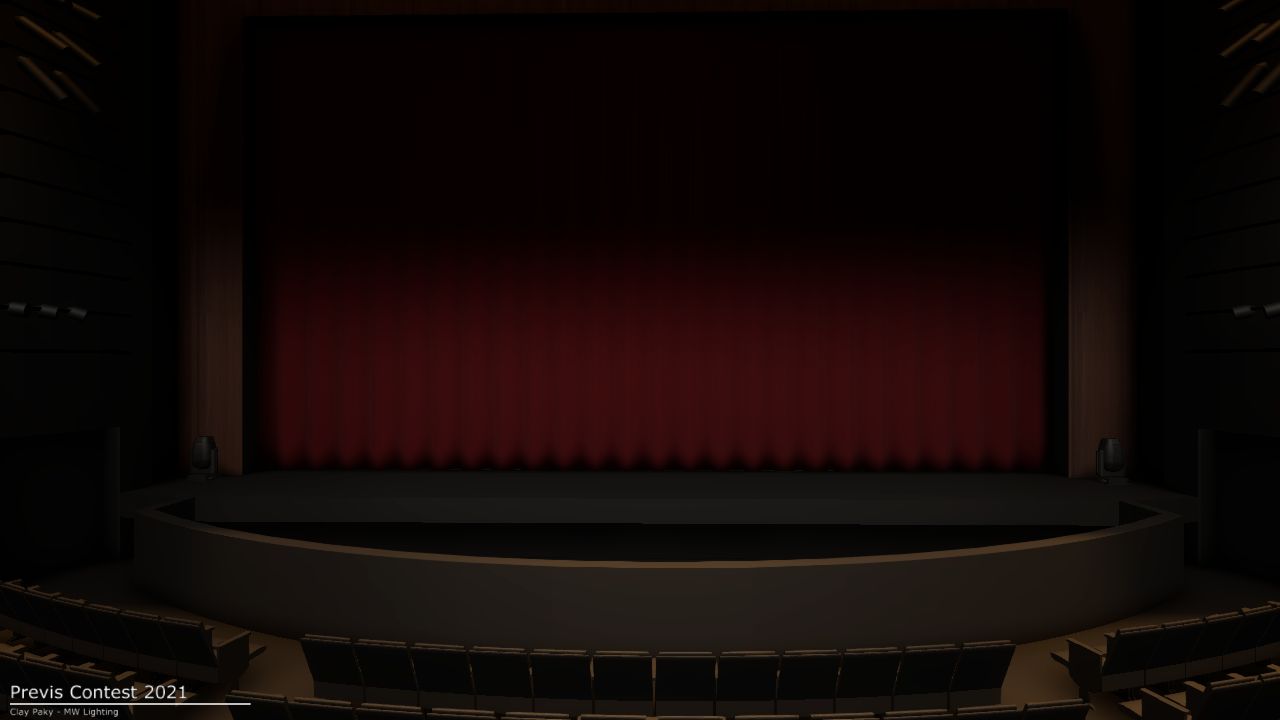
Main curtain in -
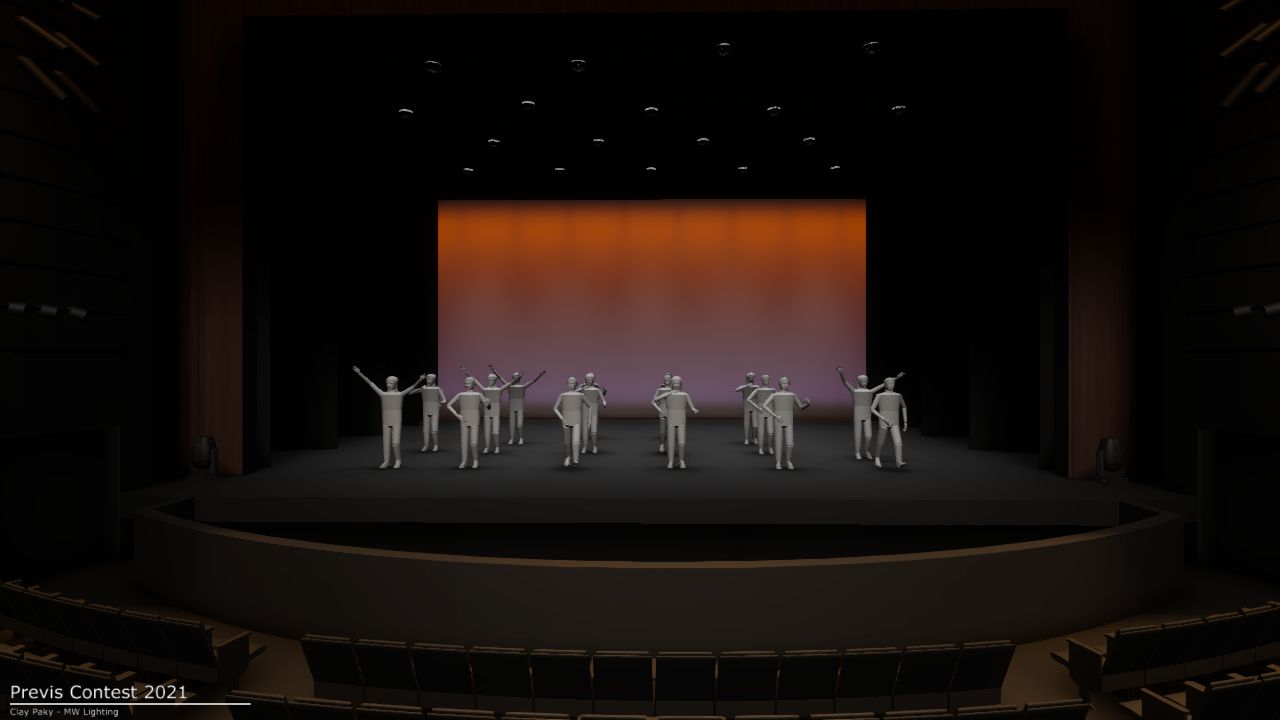
16 placeable actor figures -
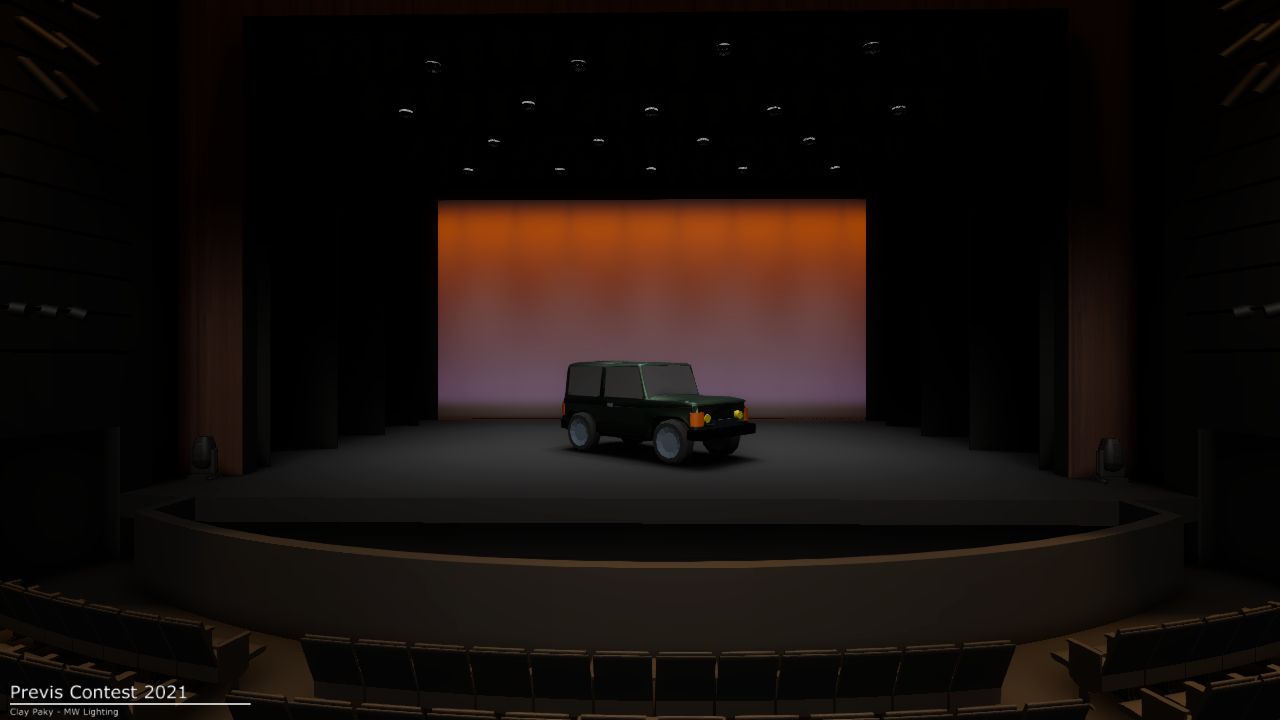
Jeep -
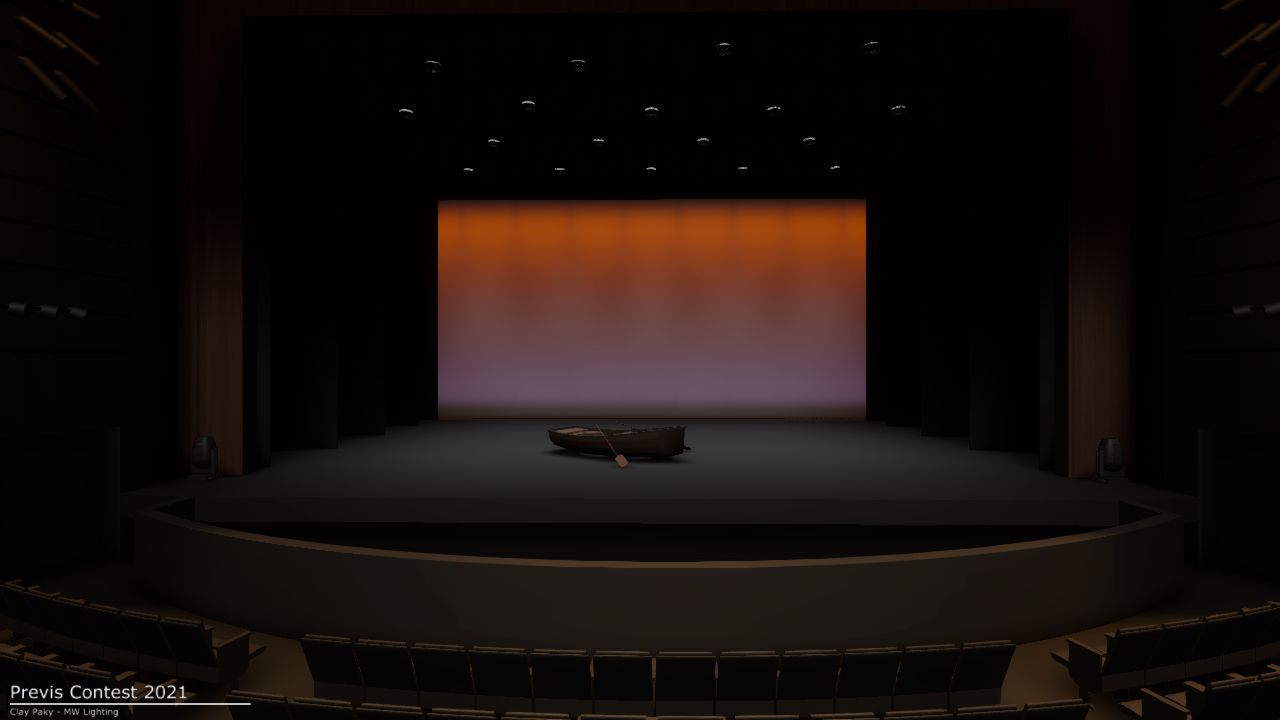
Boat -
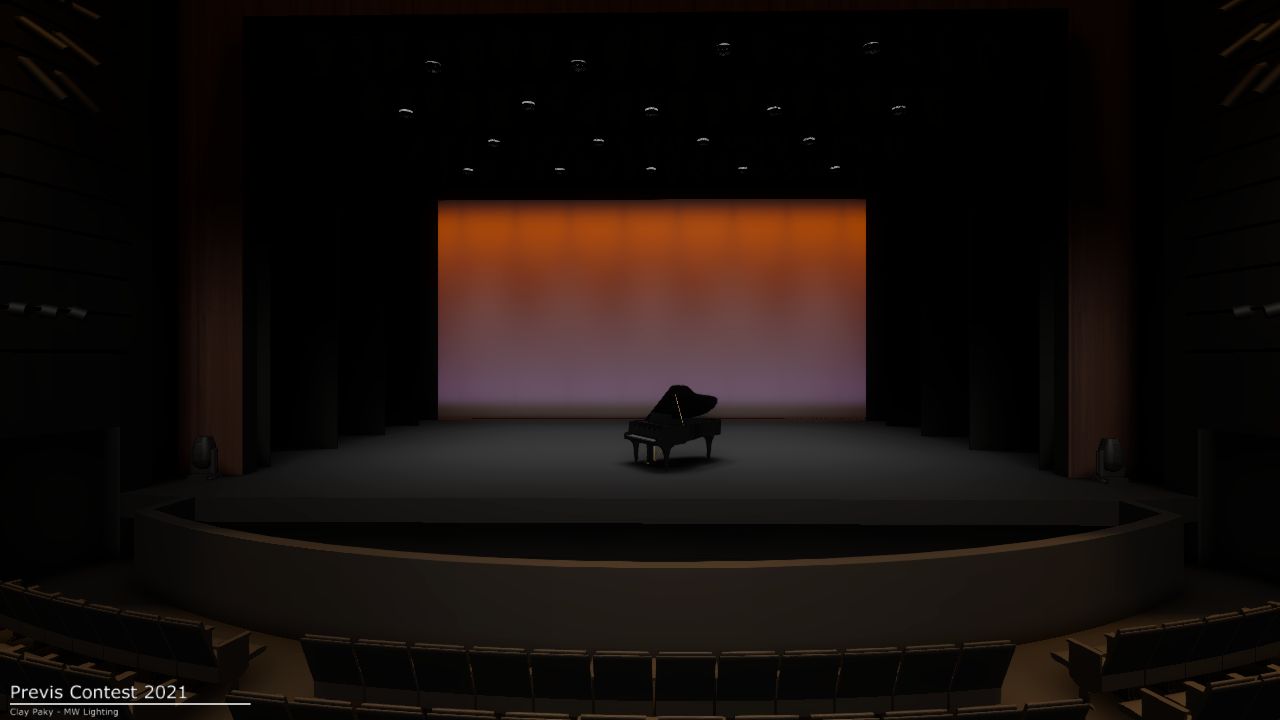
Grand piano -
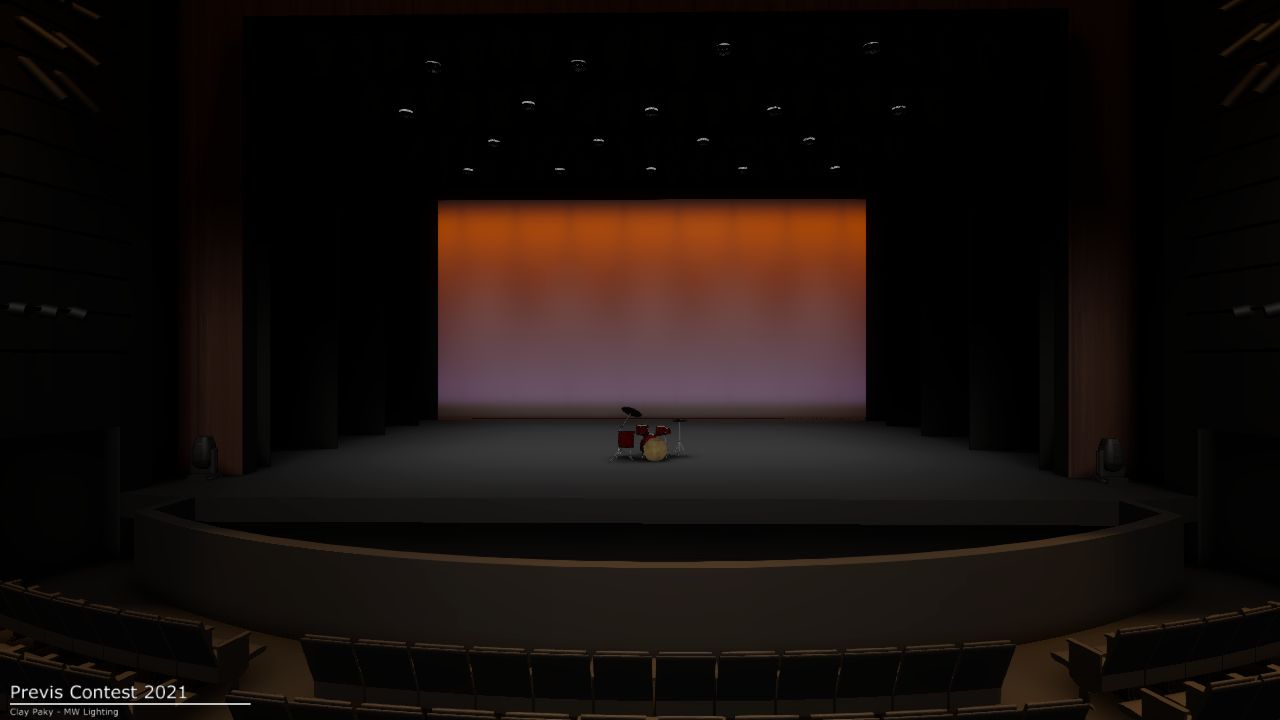
Drum kit
Quick Start
The full guide is a six-page PDF inside the bundle. Here's the shape of it so you know what you're getting into.
-
Unzip and open
Inside the Capture Presenter folder you'll find a Mac app, a Windows .exe, and a .bin file. Open whichever one matches your OS. Leave the .bin alone; Capture might ask you to point at it later, but don't delete it.
-
Move the camera around
Use the saved position views in the Capture menu, or take full DMX control with the included camera fixture profile. The DMX Objects Patch Sheet has the channel layout and a recommended home position to start from.
-
Connect to a console
The file's listening for sACN by default. If you've got a valid sACN source on your network with patched addresses, it'll show up in the Universes menu. No console? ETC Eos Nomad in offline-with-vis mode works great.
-
Patch the basics first
Start with the camera, hazer, house lights, and work lights so you can see what you're doing. Channel numbers in the paperwork are just suggestions; rearrange however you want. DMX addresses, modes, and focuses are fixed in the show file though, so leave those alone.
-
Then the scenery
Once you can navigate the stage, start patching the motor controllers: electrics trim, masking, deck lifts, scenic flys. The deck has 28 DMX-driven sections that can raise up to 12' above stage level. Portals, drops, props all have XYZ position and rotation channels.
-
Render your work
Capture Presenter does still images via View → Render Image. For video, just screen-capture the playback: QuickTime on Mac, the Game Bar or OBS on Windows. That's how I record my own.
-
Got a question?
Check the Capture documentation first; most things are answered there. If something's wrong with the file itself, hit me up via the contact page.
Background
In 2020, I hosted a theatrical previs contest to give those of us without work something to keep our brains occupied. The response was overwhelming, and the files are still being used today in classrooms all around the world to help learn programming.
The year after, I was commissioned by Clay Paky to create a similar file using only their fixtures. They hosted a smaller contest in 2021 using these files. The files from the 2020 contest are still available, but the bundle below is the latest, even better and more fully-featured set.
Use it however you want. Practice programming. Teach a class. Build a sample reel. Just have fun with it.
Downloads
Everything lives in one Dropbox folder. It is free, with no signup and no email gate.
Found a bug in the patch, or want to throw a few bucks in the tip jar? Get in touch via the contact page.