Cue Explorers
-
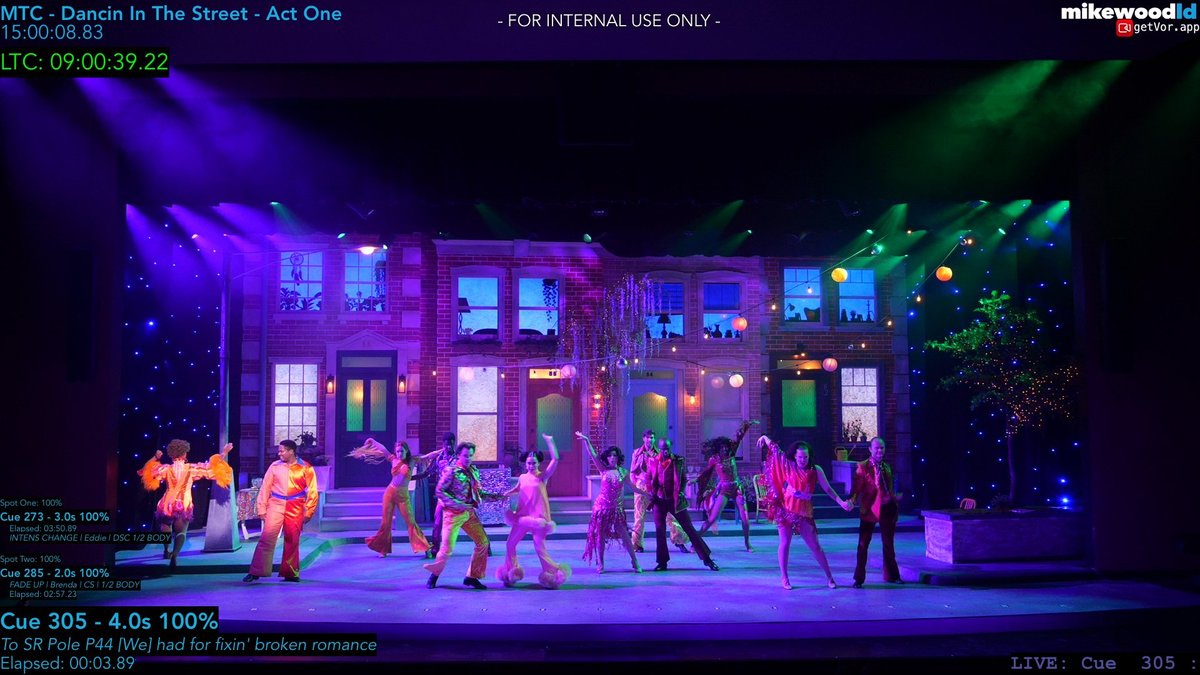 Explorer
 Mountain Theatre Co., 2026
Dancin' In The Street
Open explorer ↗
-
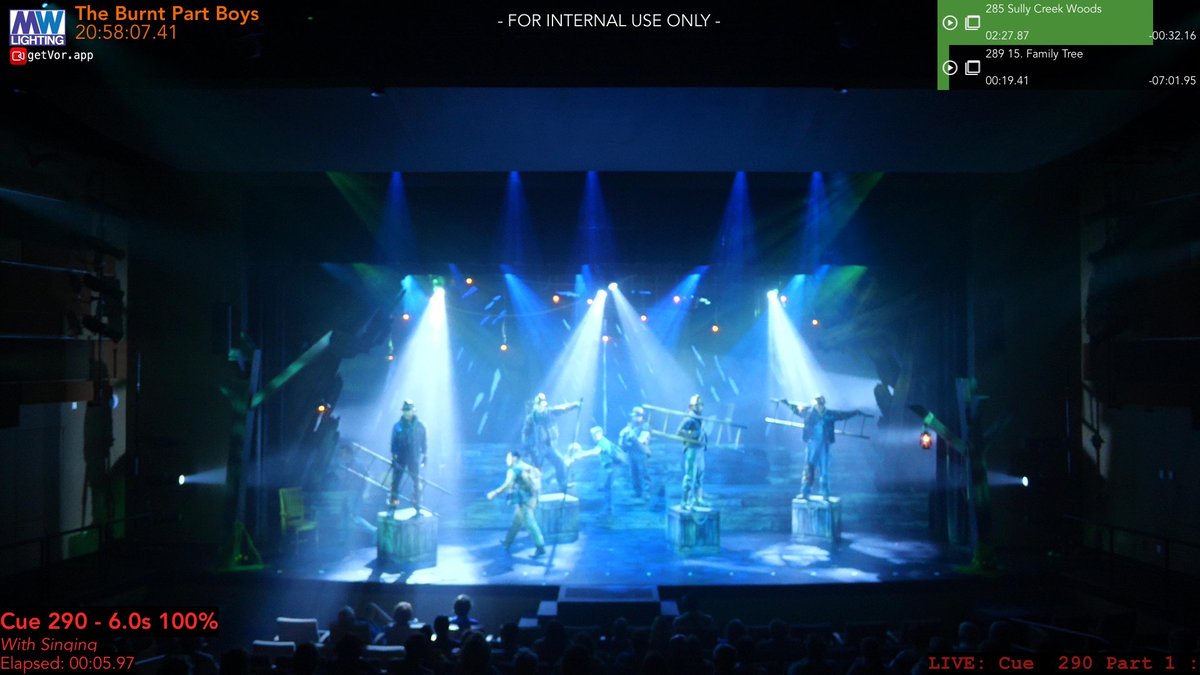 Explorer
 Mountain Theatre Co., 2025
The Burnt Part Boys
Open explorer ↗
-
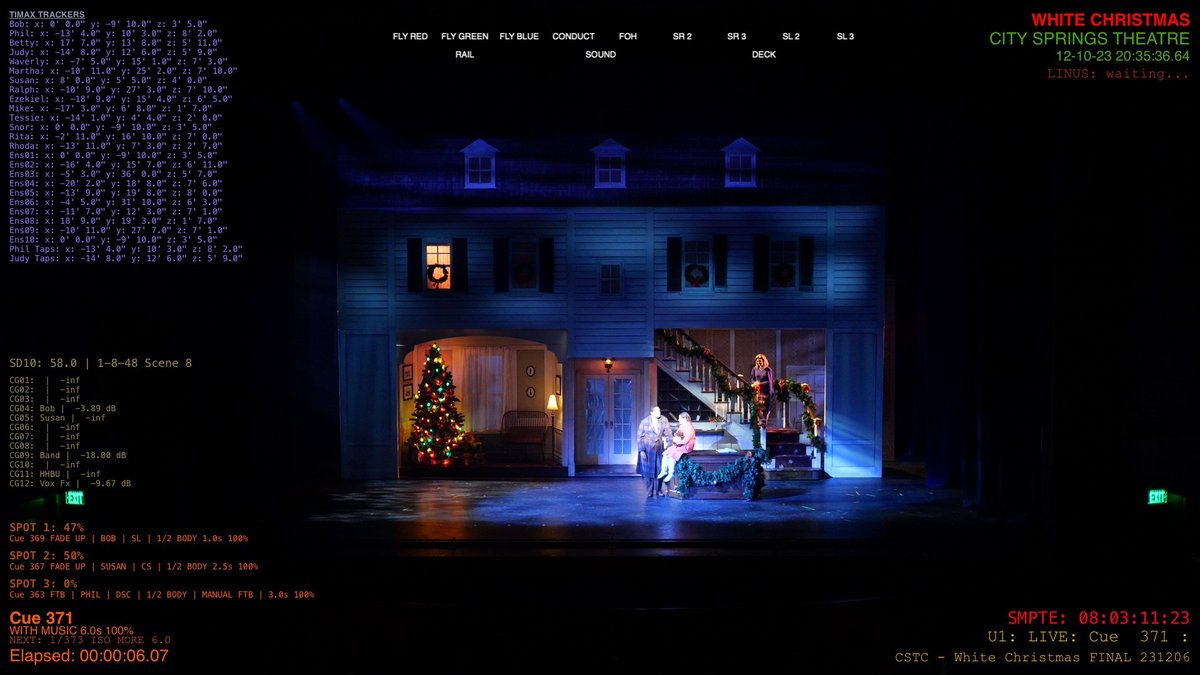 Explorer
 City Springs, 2023
White Christmas
Open explorer ↗
-
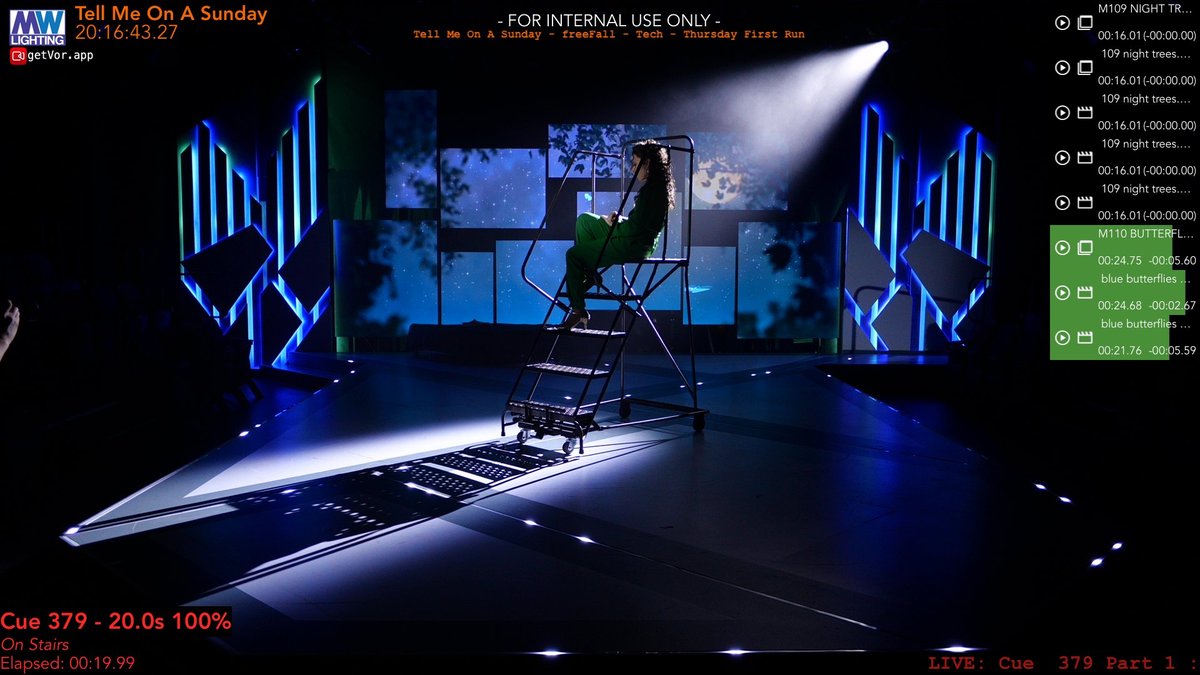 Explorer
 freeFall, 2025
Tell Me On A Sunday
Open explorer ↗
-
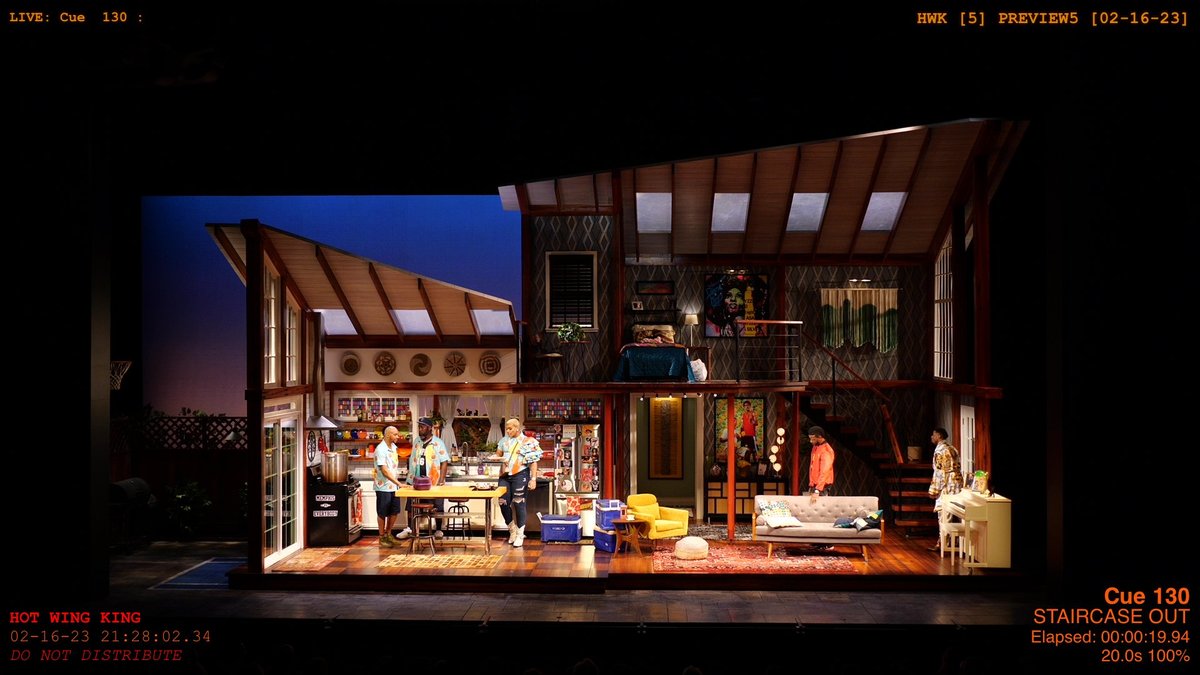 Explorer
 Alliance Theatre, 2023
The Hot Wing King
Open explorer ↗
-
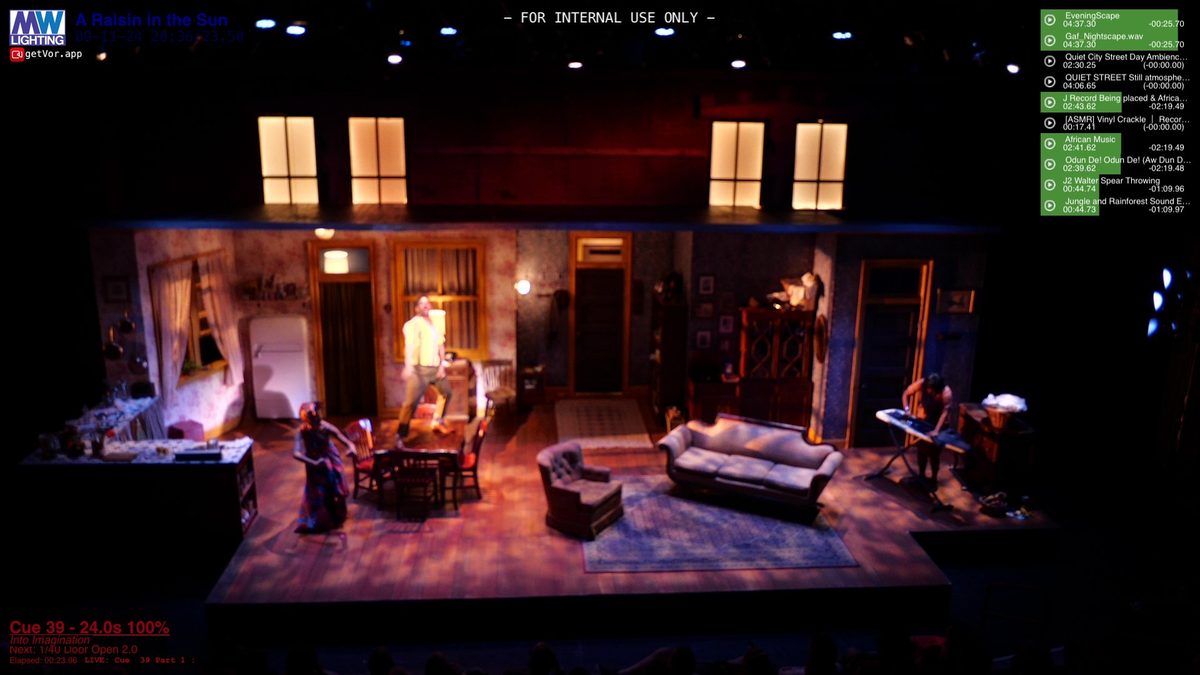 Explorer
 Theatrical Outfit, 2024
A Raisin in the Sun
Open explorer ↗
-
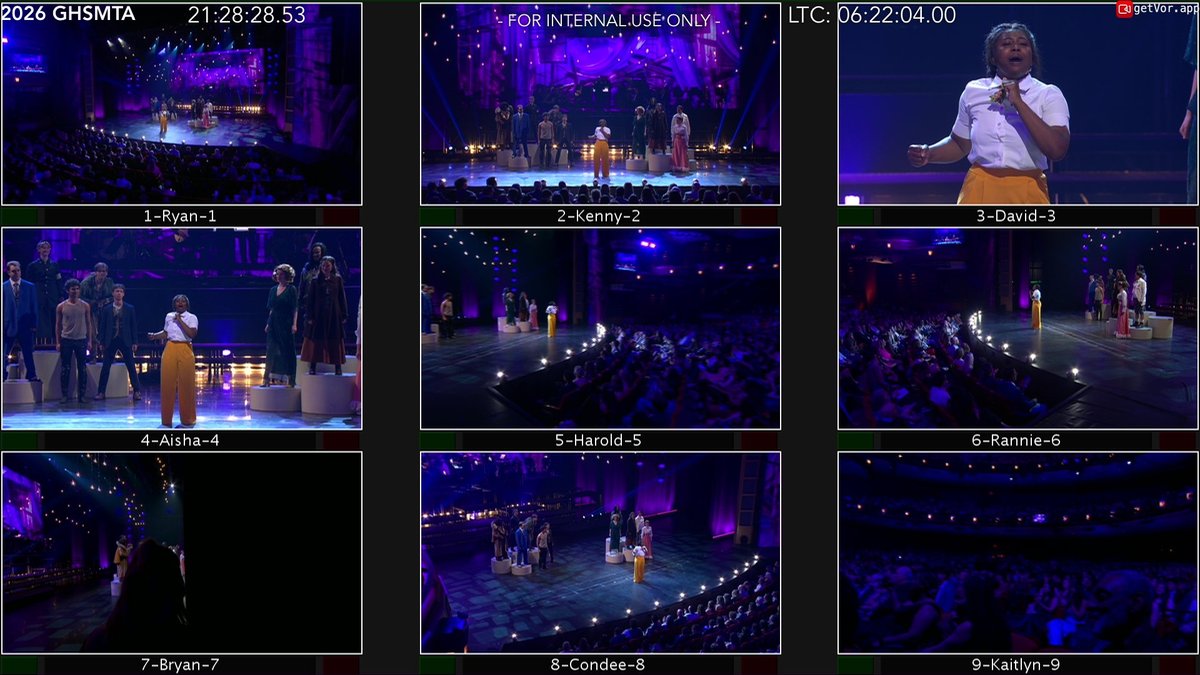 Explorer
 Cobb Energy Centre, 2026
2026 Shuler Awards
Open explorer ↗
-
 Triple Sync
 Off-Broadway · Sydney · National Tour
The Twenty-Sided Tavern, three productions
Open explorer ↗
-
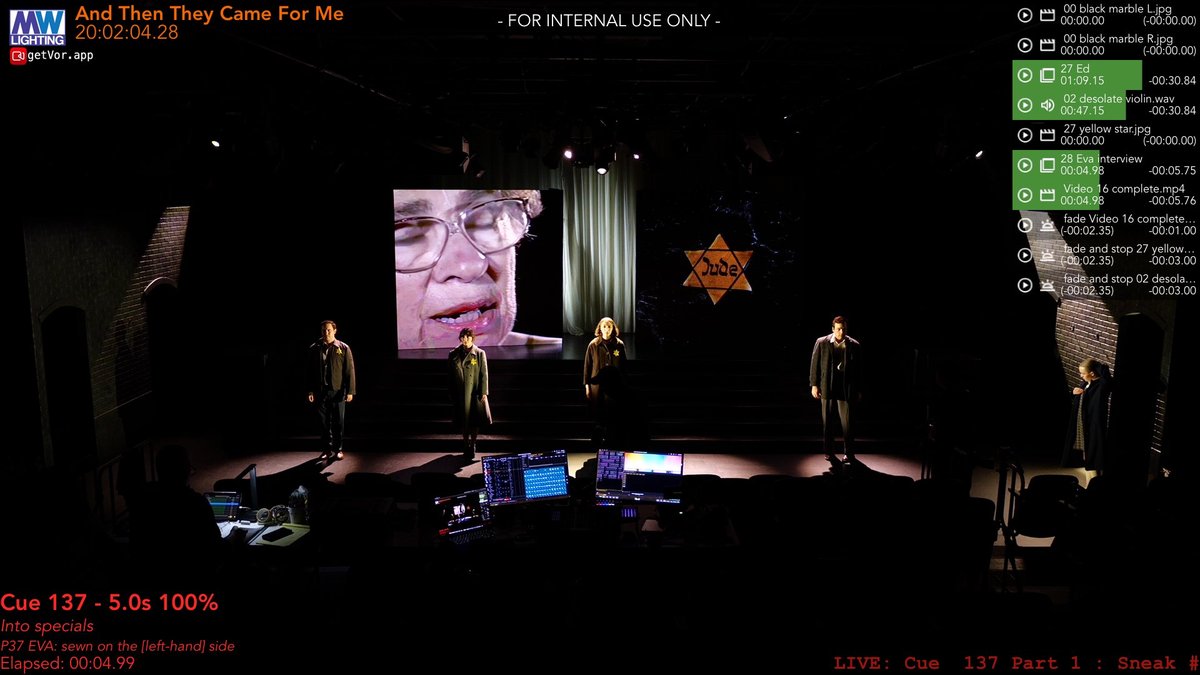 Explorer
 freeFall Theatre, 2026
And Then They Came For Me
Open explorer ↗
-
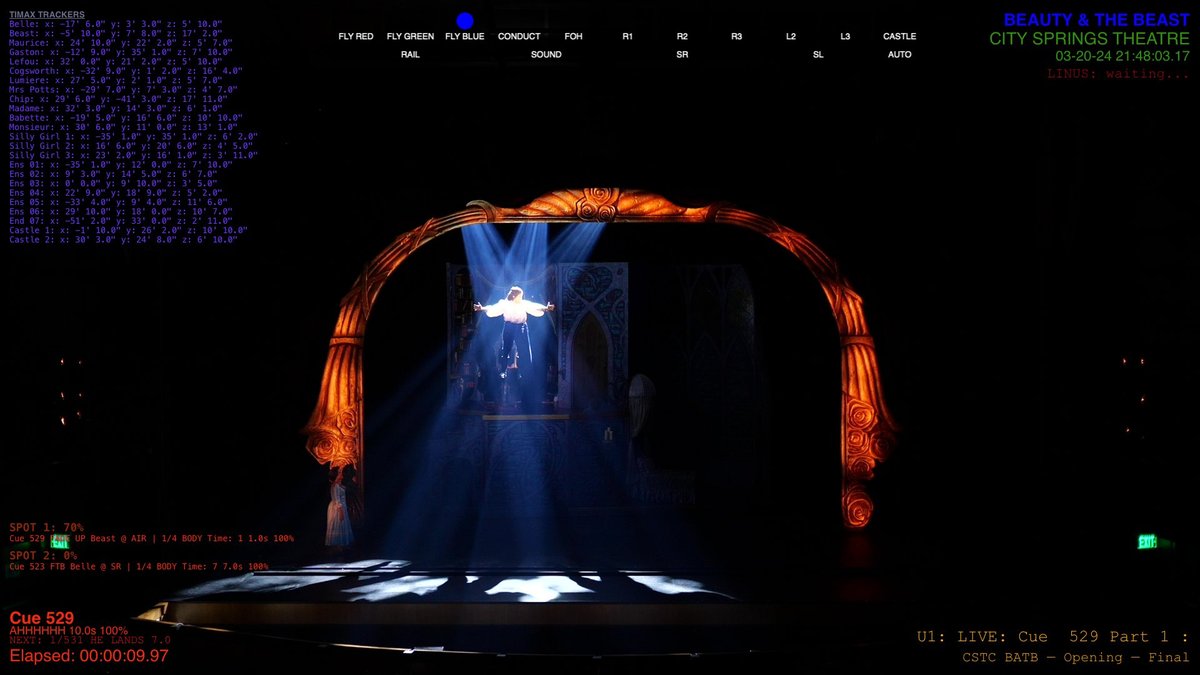 Explorer
 City Springs Theatre Co., 2024
Beauty & The Beast
Open explorer ↗
-
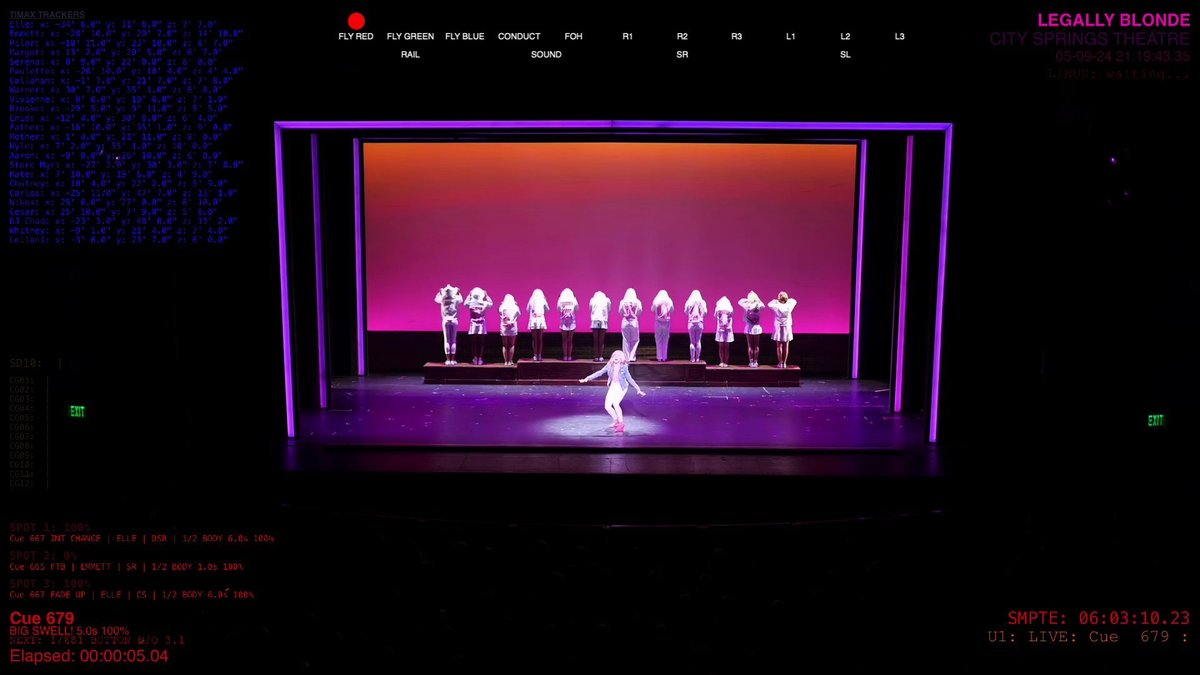 Explorer
 City Springs Theatre Co., 2024
Legally Blonde
Open explorer ↗
-
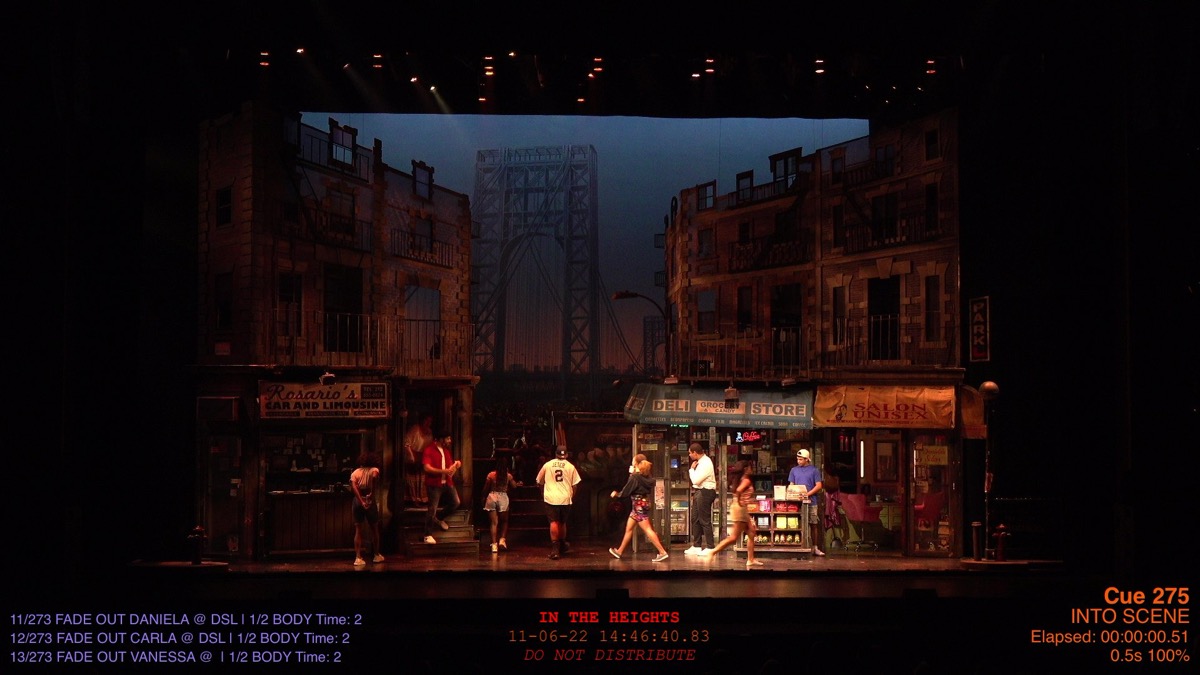 Explorer
 City Springs Theatre Co., 2022
In the Heights
Open explorer ↗
-
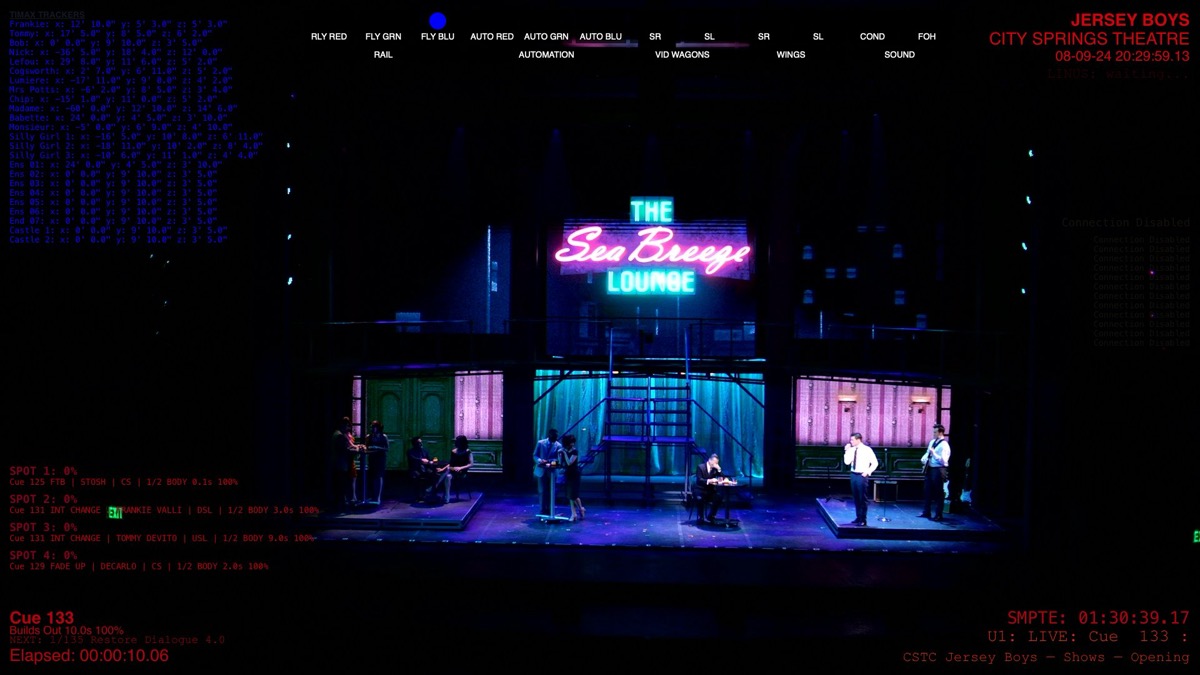 Explorer
 City Springs Theatre Co., 2024
Jersey Boys
Open explorer ↗
-
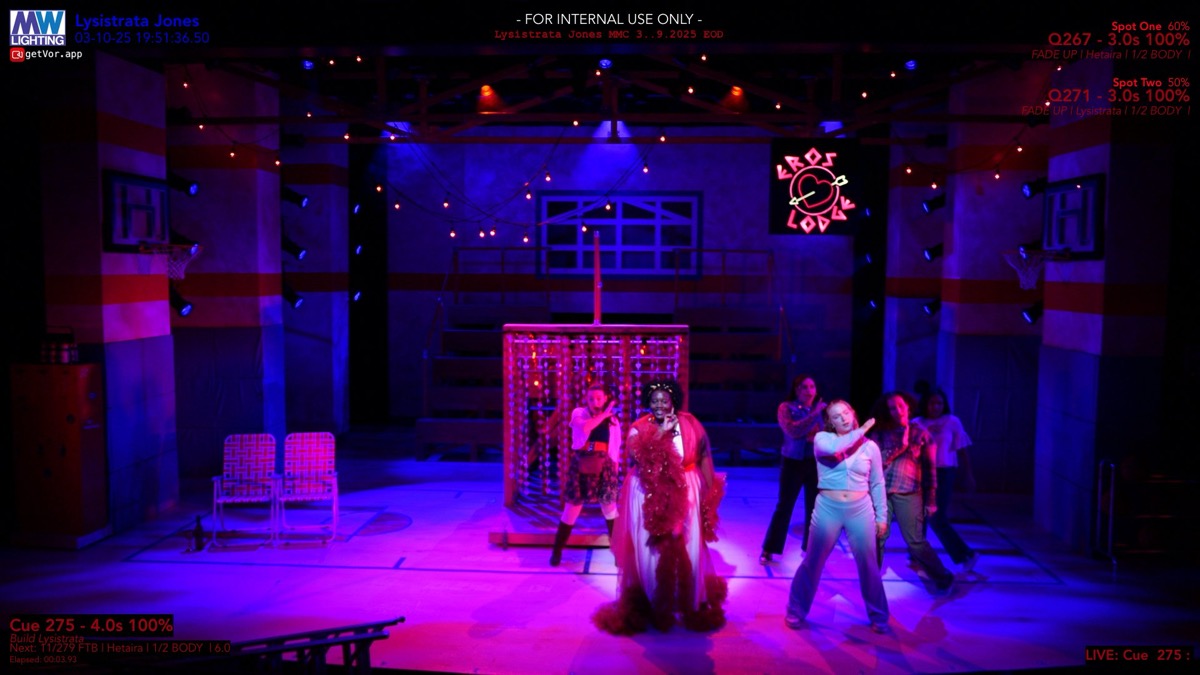 Explorer
 Marymount Manhattan College, 2025
Lysistrata Jones
Open explorer ↗
How to use an explorer
Each tool opens to a single production in its own page. The big image is the live booth capture from Vor at that exact cue. Underneath you'll find an Eos-style cue list table populated from the lighting console export: the cue number, label, fade times, and the scene the show is in.
Drag the slider, click prev / next, or just hold the arrow keys to walk through the show. The colored dots above the explorer are bookmarks: amber dots are designer's notes, pink dots are production photos that swap in for the booth capture, and purple dots open a tightly cropped excerpt from my marked-up script showing the line that triggers the cue.